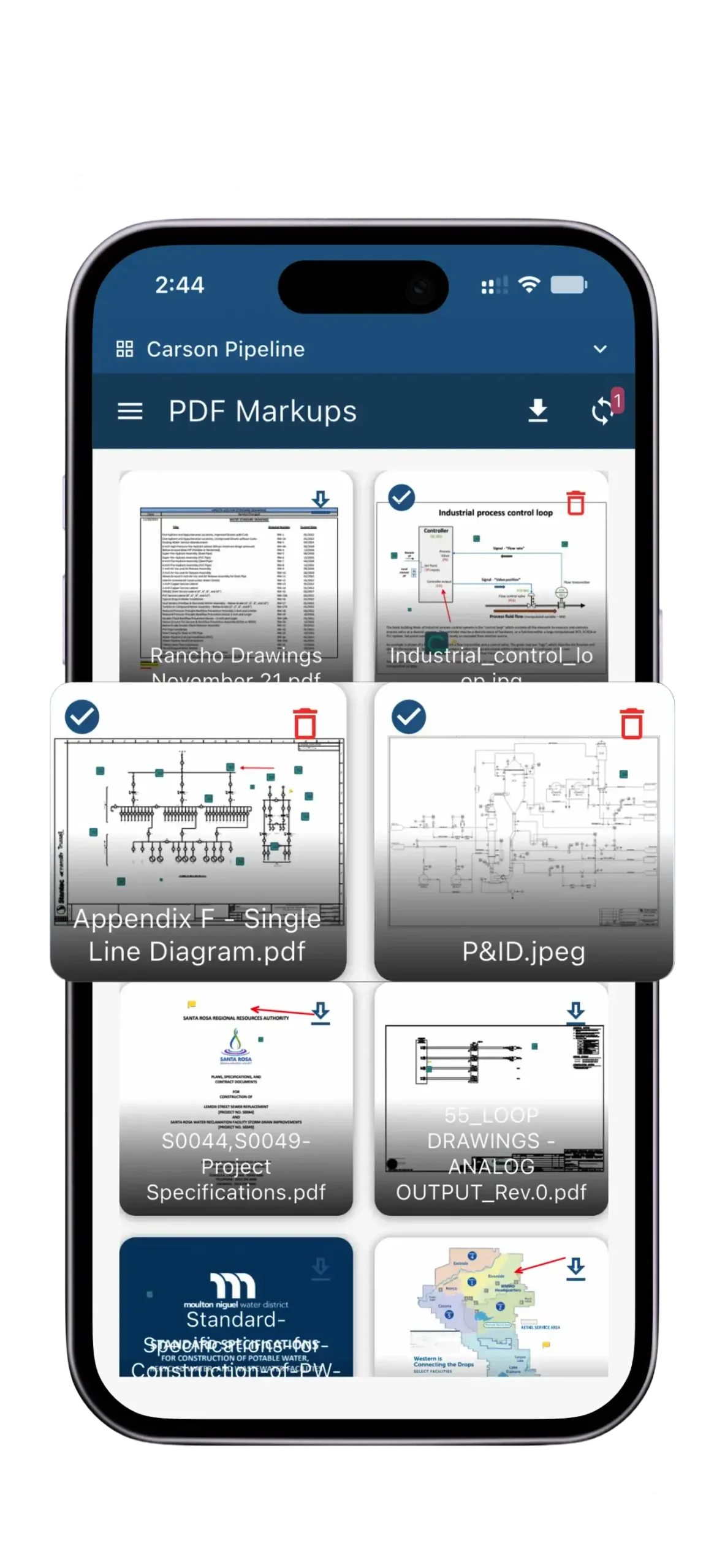
Discover the CIPO Mobile App, designed for both phones and tablets and tailored to each customer’s unique CIPO solution. Access your CIPO environment anytime on iOS and Android. You get full online access across modules, and you can download drawings and specifications for offline use.
Work Smarter. Build Better.
CIPO Mobile helps owners and project teams stay aligned, so work moves forward in the office, on-site, and in the field.
Power your projects beyond the desktop. CIPO Mobile extends CIPO Cloud to the field, providing secure, real-time access to project data wherever decisions are made.
Online & Offline Access
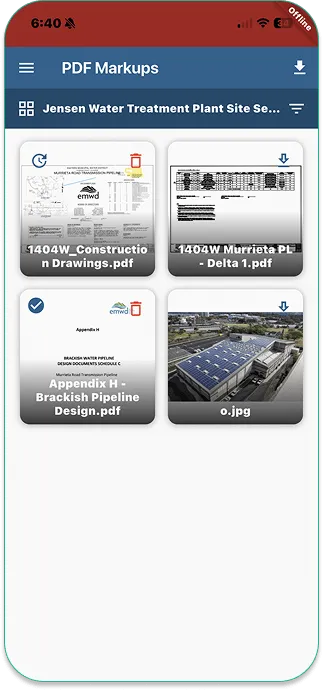
Work without limits. CIPO Mobile lets you access and update critical project data—like drawings and specs—even offline. When you’re back online, sync on your terms.
Easy Data Modification
Create and update documents, drawings, and critical project data right from your phone or tablet—wherever the job takes you.
Industry-Leading Security
Enterprise-grade security and privacy. Built on Microsoft Azure Cloud, the app delivers encrypted, secure access to your data—anytime, anywhere.
User-Friendly
Built for intuitive use and rapid adoption—so your team can unlock the value of mobile access from day one.
Mobile Access to All Project Data
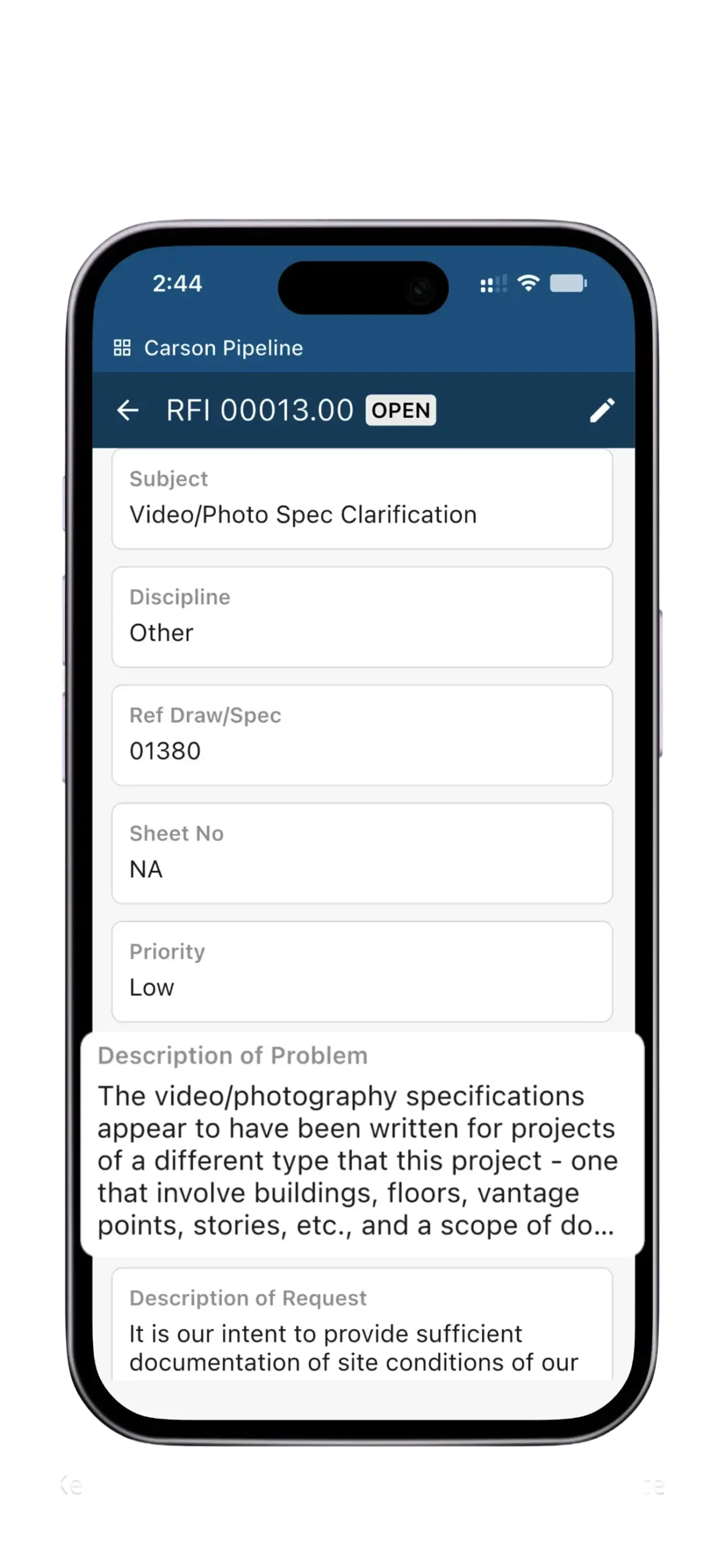
CIPO Mobile brings the complete features of your CIPO platform to mobile devices, not just desktops. Teams can use any configured module — such as RFIs, Submittals, and Change Orders — across all phases from Design and Construction to Operations and Maintenance.
Immediate Access to Project Drawings and Specifications
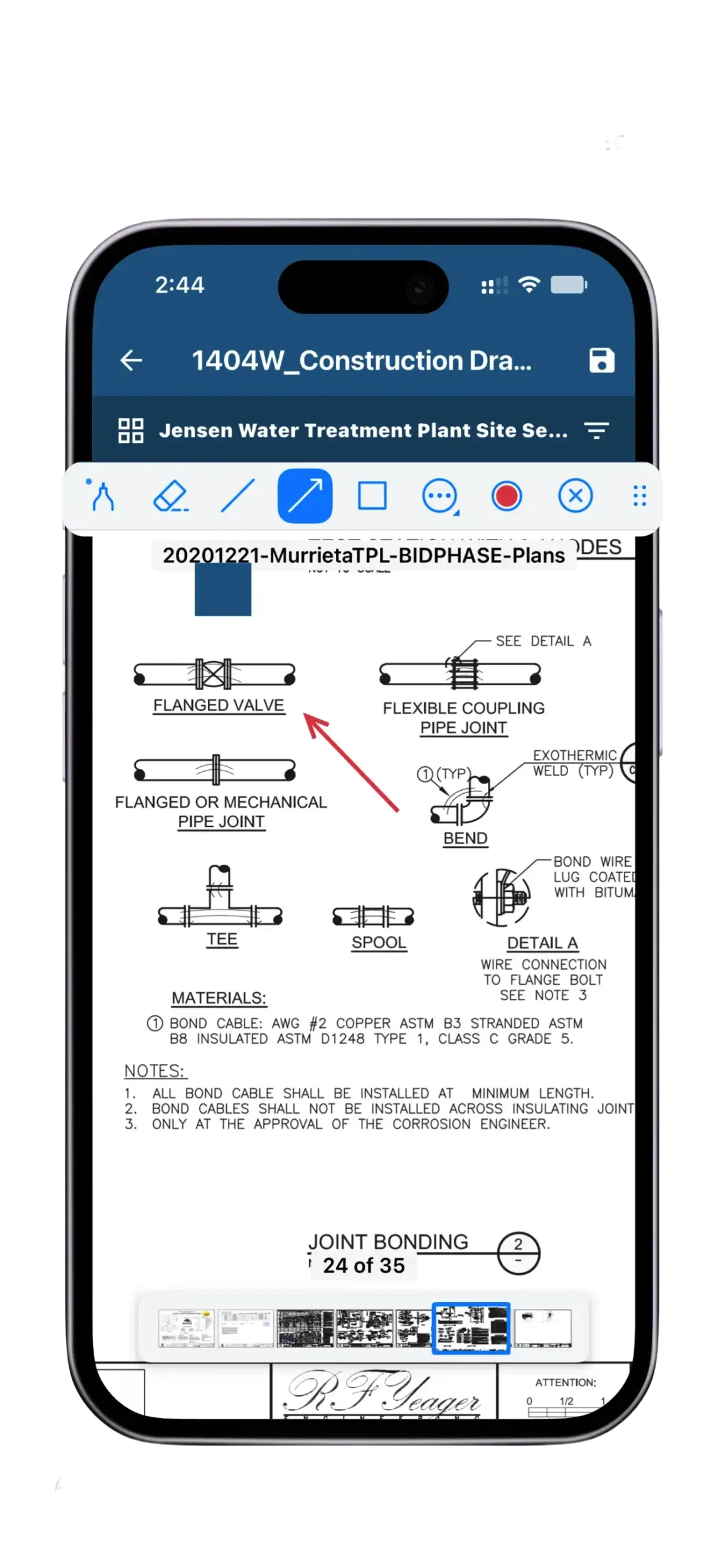
Easily access project drawings and specifications through CIPO Mobile’s intuitive interface. Download documents for offline access, search project information, and place CIPO references to link drawings with any related record across your CIPO environment. When connectivity is restored, you control when data syncs, ensuring updates are tracked, synchronized, and fully transparent for seamless collaboration.
CIPO enhances productivity and teamwork across project teams by uniting owners, contractors, field crews, and office staff on a single platform—whether working online or offline. With CIPO Mobile, authorized users can redline and annotate drawings, add photos, and link them to any accessible CIPO module, including Daily Logs, Inspections, RFIs, Submittals, and Punch Lists.
Whether creating daily reports or managing submittals in the field, CIPO Mobile provides role-based access across your entire CIPO solution. Its flexible architecture delivers a consistent mobile and desktop experience, adapting to each customer’s unique configuration. Works out of the box.
With CIPO Mobile, you can download drawings and specifications to your device and view and edit them offline, based on your permissions.
Future releases will expand offline access to any CIPO module, allowing you to work offline and sync your changes once connectivity is restored.
How do I sync my updates?
CIPO Mobile lets you download and work with drawings and specifications offline, so you can stay productive anywhere. You control when your changes are synced—data updates only when you choose to sync, so you don’t have to wait on slow or unreliable connections. A simple refresh button will tell you if your data needs to be synched.
Can I use my tablet?
Yes. CIPO Mobile is available as a native iOS and Android app for use on both phones and tablets.
Can any user access CIPO Mobile?
Yes. CIPO Mobile is available to all customers and users with an active CIPO account, regardless of role or solution complexity. Any new CIPO modules you create are automatically supported in the native mobile app.