



The latest CIPO Mobile app release is now available for both iOS and Android as of October 16, 2026.
What’s included in version 1.11.0?
- New Company Profile module, allowing users to view and edit company profile information directly from CIPO Mobile without needing to access the desktop platform.
- Perform actions directly from Data List views, making it easier to manage records and complete tasks directly from a list without additional navigation.
- View and manage AI Indexed status in Project Files, allowing users to see whether a file is AI Indexed from its Properties page and update the status when they have the appropriate permissions.
- Enhanced mobile app security, including encrypted offline data storage and additional protections for user sessions and cached data when switching between accounts or tenants.
The latest CIPO Mobile app release is now available for both iOS and Android as of October 2, 2026.
What’s included in version 1.10.0?
New Organizations, Users, Roles, and Contacts modules under Manage, allowing CIPO administrators to view and maintain these records directly from the mobile app.
Expanded Office document viewing and editing, allowing users to open, view, and edit supported Office documents directly within CIPO Mobile on iOS and Android, just as they can on the web platform.
Improved Manage module lists, with columns that automatically adjust based on screen size and a new Sort option alongside filtering, making it easier to navigate and organize information on mobile devices.
Bug Fixes
Improved tenant selection after login, resolving an issue where users assigned to multiple tenants were not redirected to the tenant selection screen after signing in.
The latest CIPO Mobile app release is now available for both iOS and Android as of September 19, 2026.
What’s included in version 1.9.0?
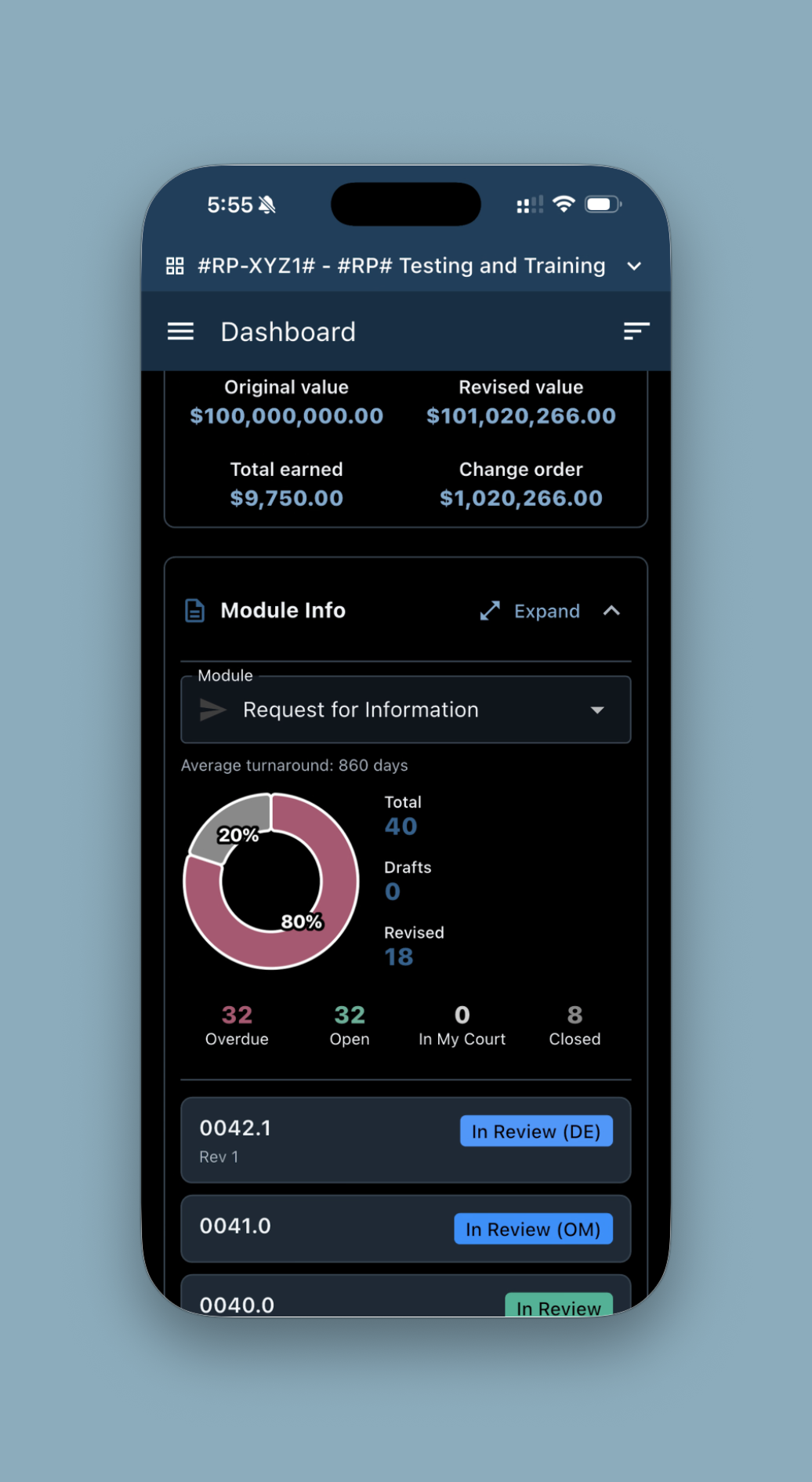
Dark Mode is now available, giving users the option to switch to a darker interface for a more comfortable viewing experience, especially in low-light environments.
Notification links now open directly in CIPO Mobile, taking users straight to the relevant record or content for faster access and fewer navigation steps.
Add notes to uploaded attachments, allowing users to capture additional context or supporting information when uploading files.
Print and Share are now available from Data List pages, making it easier to export, print, or share information directly from CIPO Mobile.
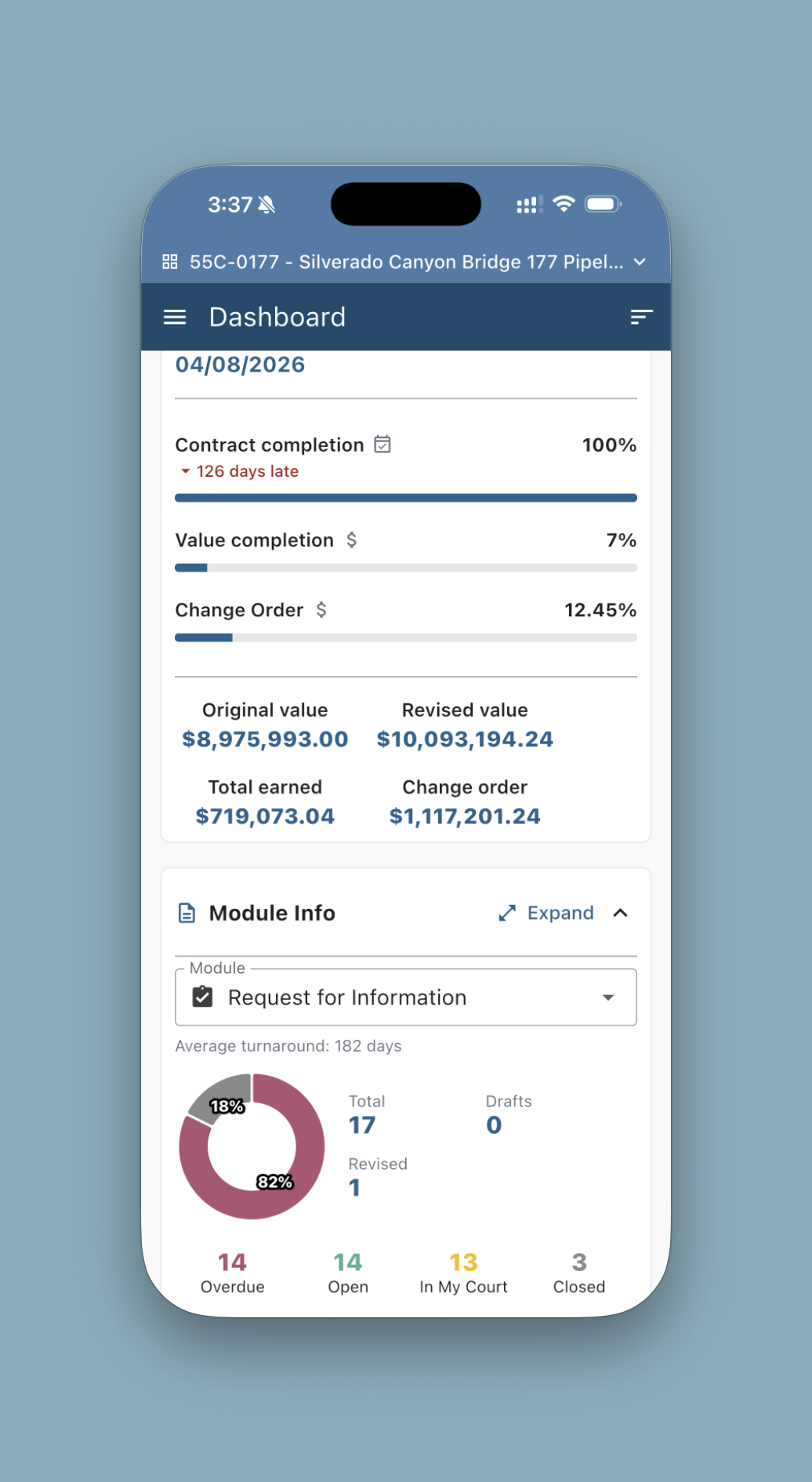
Aggregate values and formulas are now available within modules, providing at-a-glance visibility into totals, calculations, and other key summarized data.
Improved Print and Share from dashboards, providing a more consistent experience when printing or sharing records accessed directly from a dashboard.
The latest CIPO Mobile app release is now available for both iOS and Android as of August 11, 2026.
What’s included in version 1.8.0?
- Redesigned Dashboard brings contract details, module information, To-Dos, recent activity, and Inbox items together in one streamlined view.
- Search and filter Dashboard To-Dos, with expanded details directly within the widget.
- View Schedule of Values and Pay Estimate financial information from mobile.
- Enter addresses using location search, saved locations, or interactive map selection.
- Upload attachments directly from Camera, Photos, Files, or My Drive.
- Improved correspondence PDF sharing, image display, and overall application reliability.
We're continuing to improve your CIPO Mobile experience.
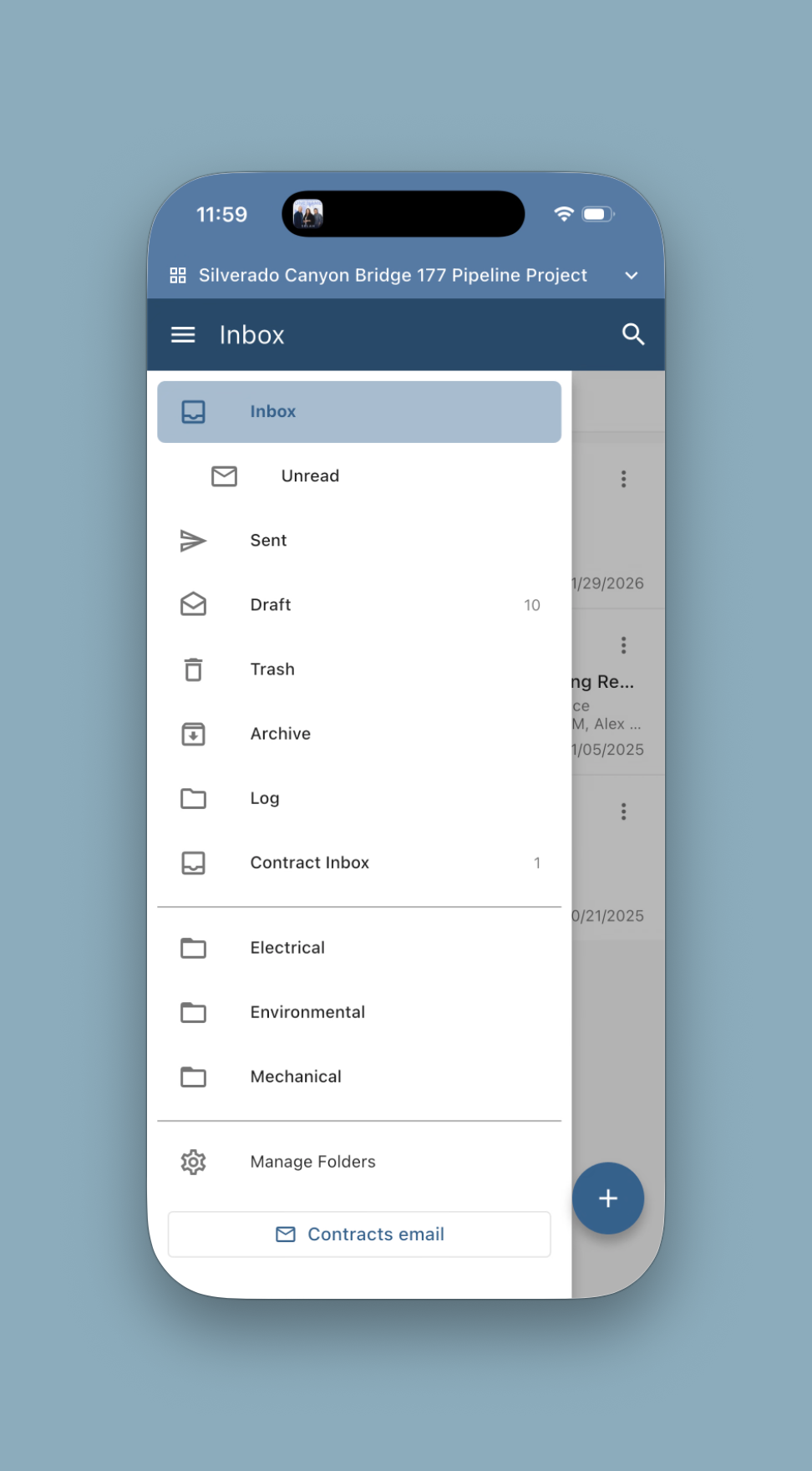
- Access project Correspondence directly from the app.
- Read, search, organize, reply to, forward, and send correspondence directly from your mobile device.
- View full message trails, attachments, folders and share correspondence as PDFs or print.
- Various enhancements, performance improvements, and bug fixes to make CIPO more reliable than ever.
We're continuing to enhance your CIPO Mobile experience. This release introduces:
My Drive access, making it easy to view and manage your personal files on the go.
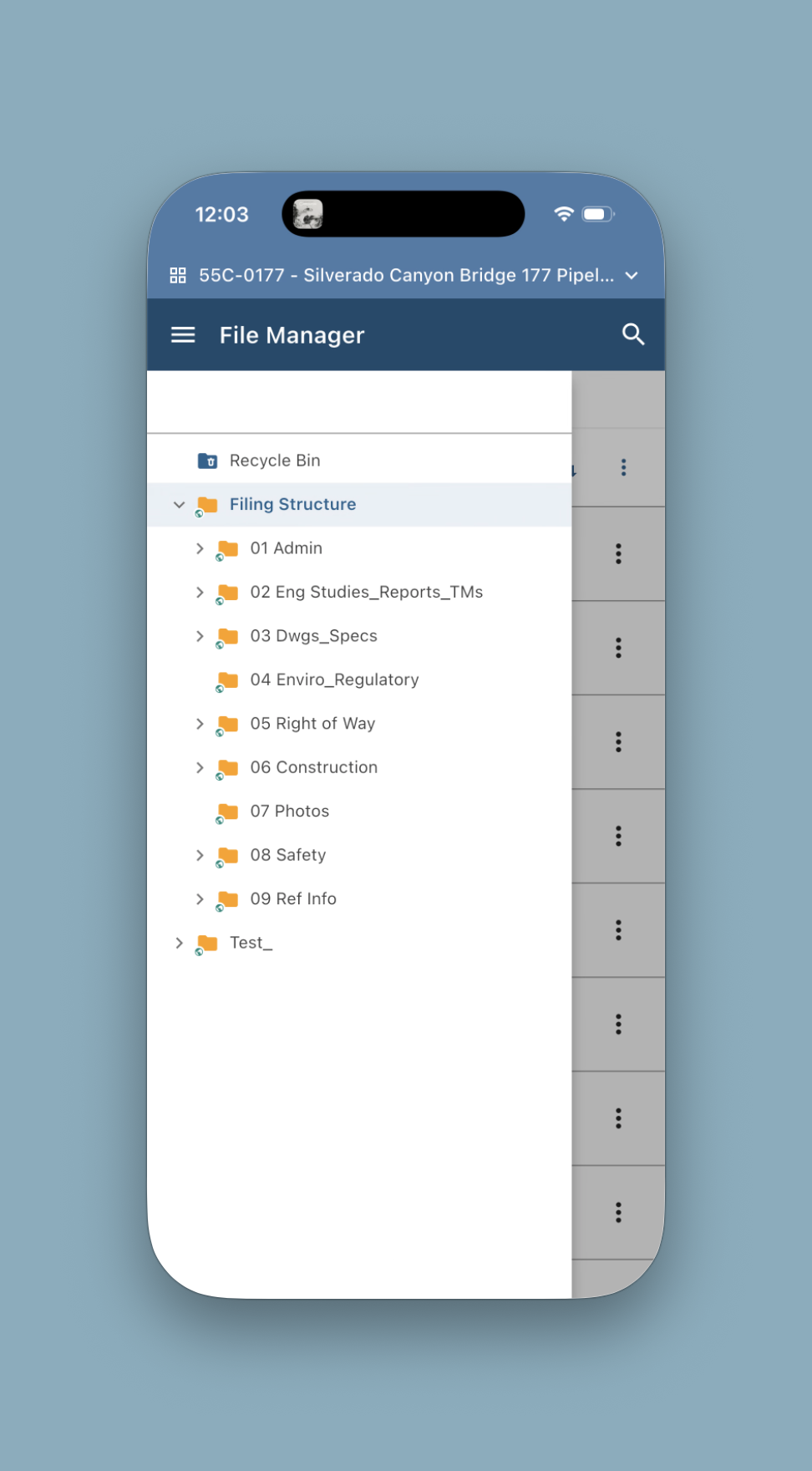
Permission-based Project Files access, ensuring users only see the project documents they're authorized to view.
Various performance improvements, enhancements, and bug fixes to deliver a smoother, more reliable mobile experience.
CIPO Mobile 1.5.0 expands the mobile experience with new features that make it easier to capture information, navigate documents, and stay informed on the go.
With this release, users can now:
- Add notes when uploading photos from a mobile device, providing richer context alongside visual documentation.
- View related documents in convenient tabbed navigation for faster access to connected project information.
- Switch between Card View and List View directly from your user profile to suit your preference.
- Receive notifications when a new app version is available, so you’re always on the latest release.
- Smart banner notifications in mobile web browsers make it easy to quickly install or open the CIPO Mobile app.
Leave a Reply